What is Spark?
An overview of Spark and the two sides that make it work: the Agent and the operational context around it.
Spark is an AI-native platform for investment operations. It brings together two things that usually live in separate tools: an Agent that can do the work, and the full operational context the Agent needs to do that work well. This page explains what Spark is, the two sides that make it up, and how the core pieces fit together.
The two sides of Spark
Most software gives you one or the other: either automation that runs in a vacuum, or a place to store data that just sits there. Spark is deliberately both, and the value comes from the pairing.
- The Agent is the agentic side. You can talk to it, and it can take real actions across your workspace.
- The context is the ecosystem around the Agent: your data, canvases, tasks, files, workflows and Spaces. It is what the Agent reads, reasons over and acts on.
Spark's core idea: an Agent is only as good as the context it can see. Spark gives the Agent a rich, structured picture of your operations, and gives your operations an Agent that can act on them.
The Agent
The Agent is Spark's agentic layer. Rather than a generic chatbot bolted onto a product, it runs inside your workspace and already understands your data model, so its answers and actions are grounded in your real operations.
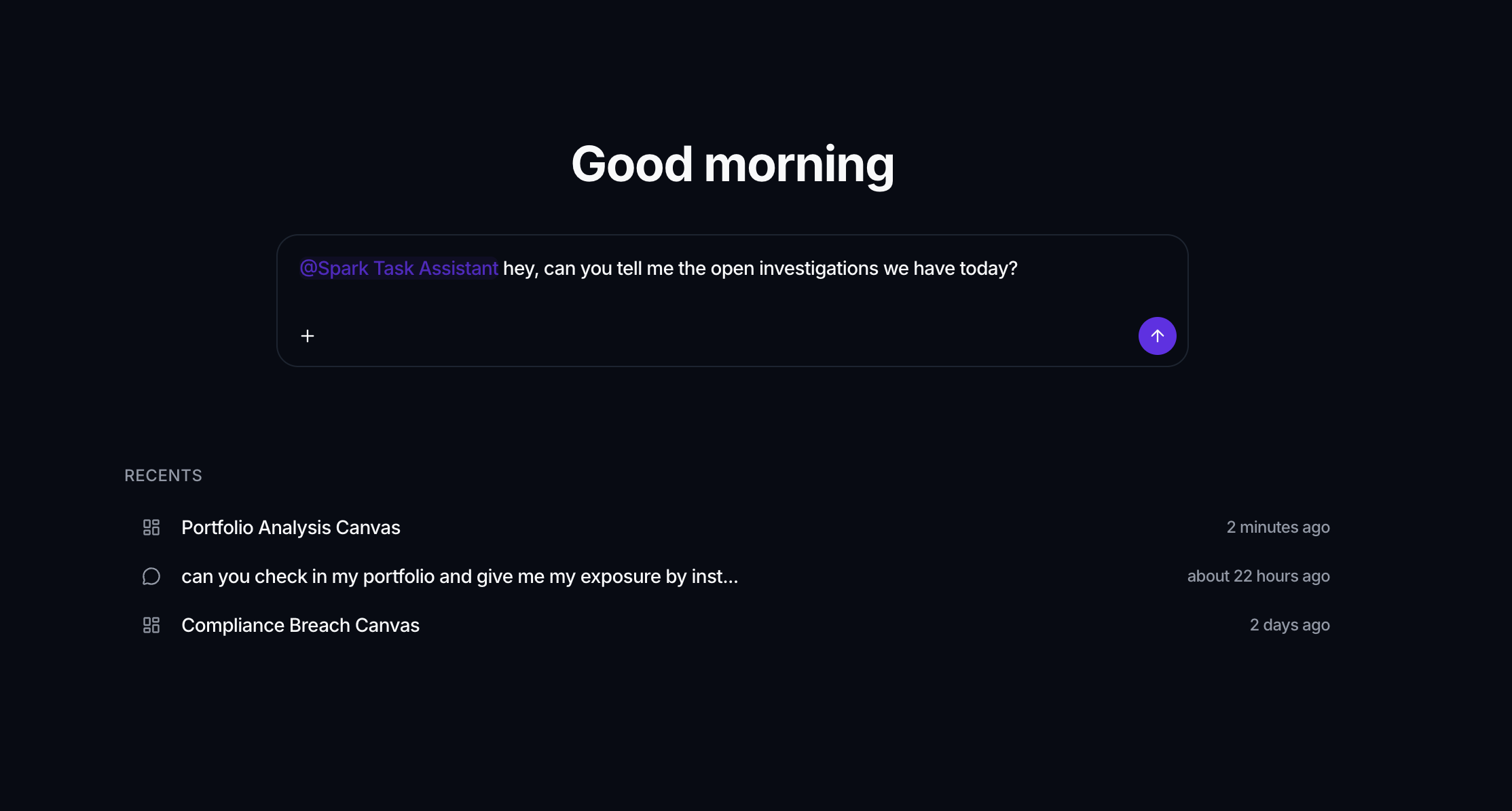
The Agent can:
- Hold a conversation and carry out multi-step work on your behalf.
- Use tools and skills to perform specific actions.
- Reach external systems through connectors (including MCP).
- Draw on secrets stored securely in a vault, so it can authenticate without exposing credentials.
Because the Agent is native to Spark, it does not need you to copy data into a prompt. It sees the context directly.
The context around the Agent
The other side of Spark is everything the Agent reasons over and acts on: your operational ecosystem. These are also the objects you work with directly, every day.
- Data objects & records hold your structured data, like tables with typed columns.
- Canvases are dashboards of widgets (tables, charts and KPIs) built on your data.
- Tasks track work and connect it to the data it relates to.
- Files store documents and inputs, and can be ingested automatically over SFTP.
- Workflows automate operations with triggers, actions, schedules and optional human approvals.
- Spaces tie all of this together. A Space groups the objects, canvases, tasks, workflows and agents for one use case, so it binds everything a team needs for a given piece of work into a single place.
Running through all of it is governance. Permissions, roles and a clear record of who (or which agent) did what are not a feature you switch on; they are the foundation that makes the rest safe to rely on. Because every action happens inside workspace-level controls and stays visible, you can trust the Agent with real work instead of just suggestions.
Why the two sides need each other
An Agent without context is a generic assistant: fluent, but blind to your data. A data platform without an Agent is passive: accurate, but it waits for a human to do everything.
Spark closes the loop. Your context makes the Agent accurate and genuinely useful; the Agent makes your context actionable. Workflows and the Agent also complement each other: use workflows for deterministic automation where you want guarantees, and the Agent for reasoning and judgment where the next step is not fixed in advance.
Core objects at a glance
| Object | What it is | Learn more |
|---|---|---|
| Workspace | Your team's tenant: data, members and settings | Core concepts |
| Space | A container that packages a use case | Spaces |
| Agent | The agentic layer that acts on it all | Agent |
| Data object | Structured data, like a table | Data |
| Canvas | A dashboard of widgets | Canvas |
| Task | Tracked work linked to your data | Tasks |
| File | Documents and inputs, incl. SFTP | Files |
| Workflow | Triggers and actions that automate work | Workflows |
Where to go next
- New here? Follow the Quick start to get to your first result in about 10 minutes.
- Want the mental model first? Read Core concepts.
- Curious about the agentic layer? Jump to the Agent.