Text
Add headings and notes to a canvas.
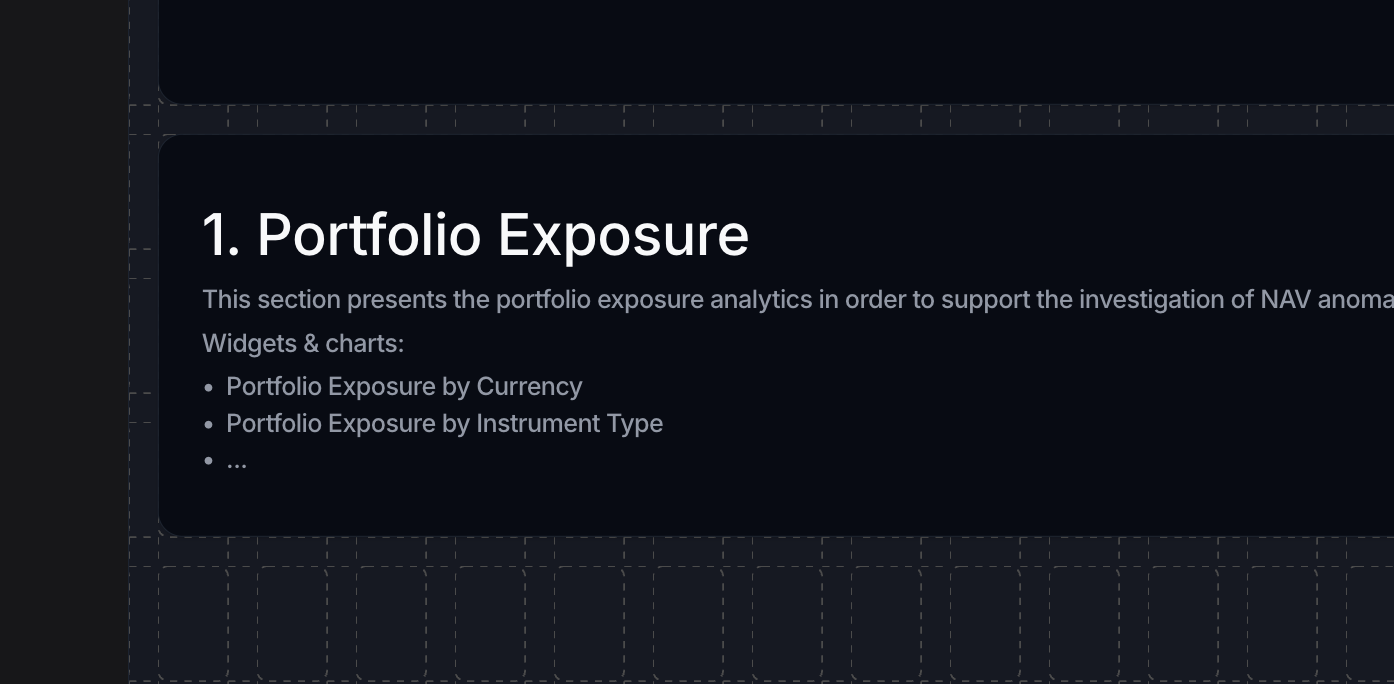
A text widget holds free-form text: a title for a section of the canvas, a note explaining a chart, or any context the numbers don't carry on their own. It has no data binding. For how widgets fit together, see Build a canvas.
Write and format
Text widgets have no editor panel; you write directly in the widget while in edit mode. It's a block editor, so each paragraph, heading or list is its own block. Starting from the placeholder Start writing..., the available formatting is:
- Headings at three levels (Heading 1, Heading 2, Heading 3).
- Lists, both unordered and ordered.
- Paragraphs, with a highlight (marker) for emphasis.
Blank lines are kept. A gap you leave between two paragraphs to space them out survives a save and reads back the way you wrote it.
Edit and remove
Text is editable in edit mode only; in view mode it's read-only. Right-click a text block in edit mode and choose Delete to remove it. Text widgets don't have the export or expand actions that data widgets do.