Display
Set the default number format for how data is shown across the workspace.
The Display page sets how data is shown by default across the workspace. It lives under Settings, in the Features group: open Settings, then Display under Features. Today it configures one thing, the default number format.
Default number format
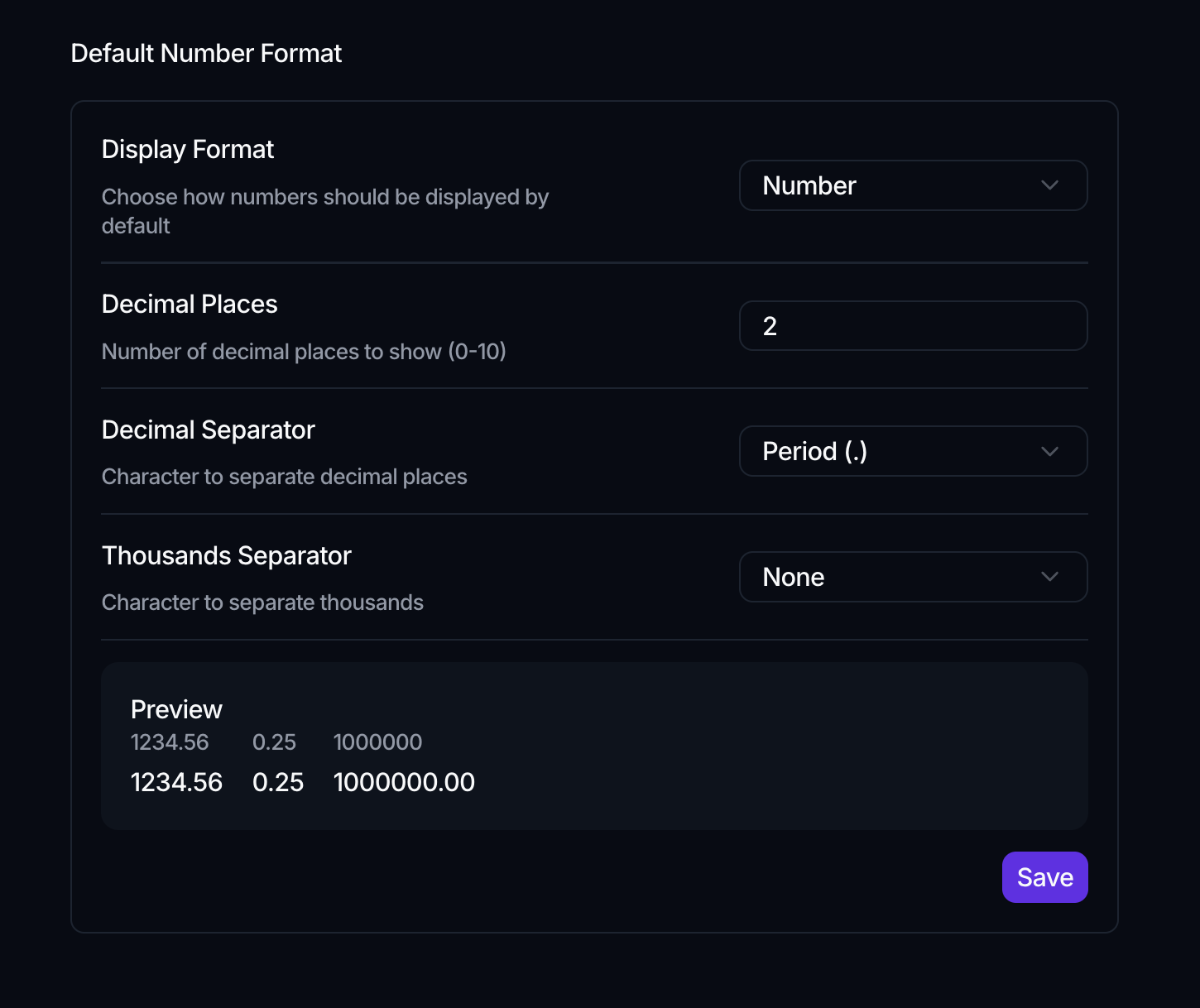
The Default Number Format section controls how numbers appear wherever they aren't given their own format:
- Display Format: Number, Percentage, or Custom.
- Decimal Places: how many decimals to show, from 0 to 10.
- Decimal Separator: Period (.) or Comma (,).
- Thousands Separator: Comma (,), Period (.), or None. It can't match the decimal separator.
When Display Format is Custom, three more fields appear: a Multiplier, a Prefix (for example $), and a Suffix (for example %). This is how you present currencies or units without a dedicated currency type.
A live Preview shows the result as you change the settings. Click Save to apply them.
This sets the workspace-wide default. An individual number attribute can still override it with its own display configuration; see Attribute types.
Where to go next
- Format a single attribute instead: Attribute types
- Configure the workspace itself: Workspace settings