Vaults
Store the credentials agents need securely in a vault.
When an agent uses a connector to reach an outside service, it needs credentials: an API key, an OAuth grant, or a service account key. Those credentials live in a vault. The agent is bound to a vault and reads from it at run time, so secrets never have to be pasted into the agent itself.
Open the Vaults page
- In the left sidebar, open the Settings tab.
- Under Agent, select Vaults.
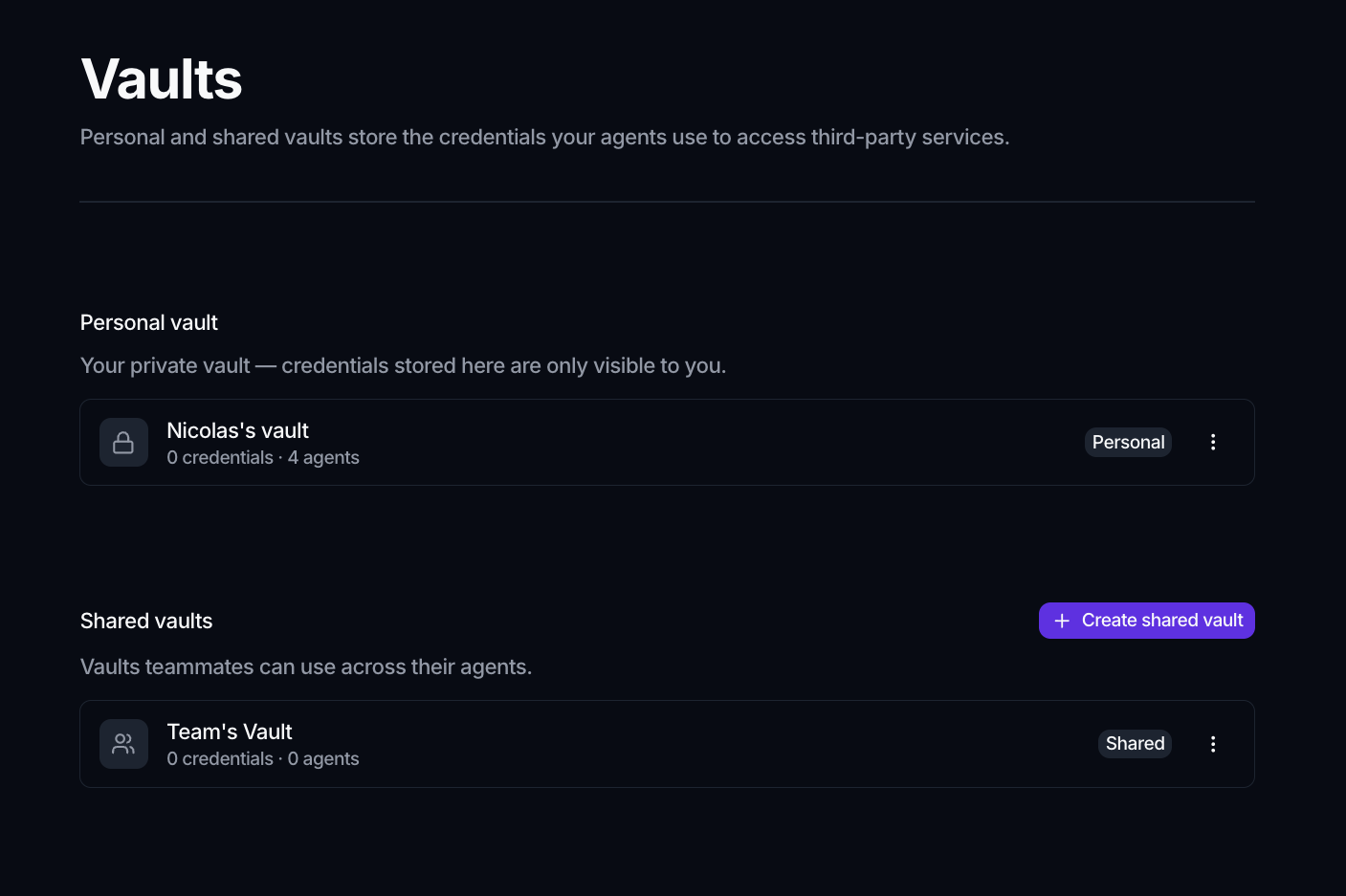
The page has two sections:
- Personal vault: your private vault. Credentials stored here are visible only to you.
- Shared vaults: vaults teammates can reuse across their agents.
Each vault shows how many credentials and how many agents it holds, with a Personal or Shared badge.
Create a shared vault
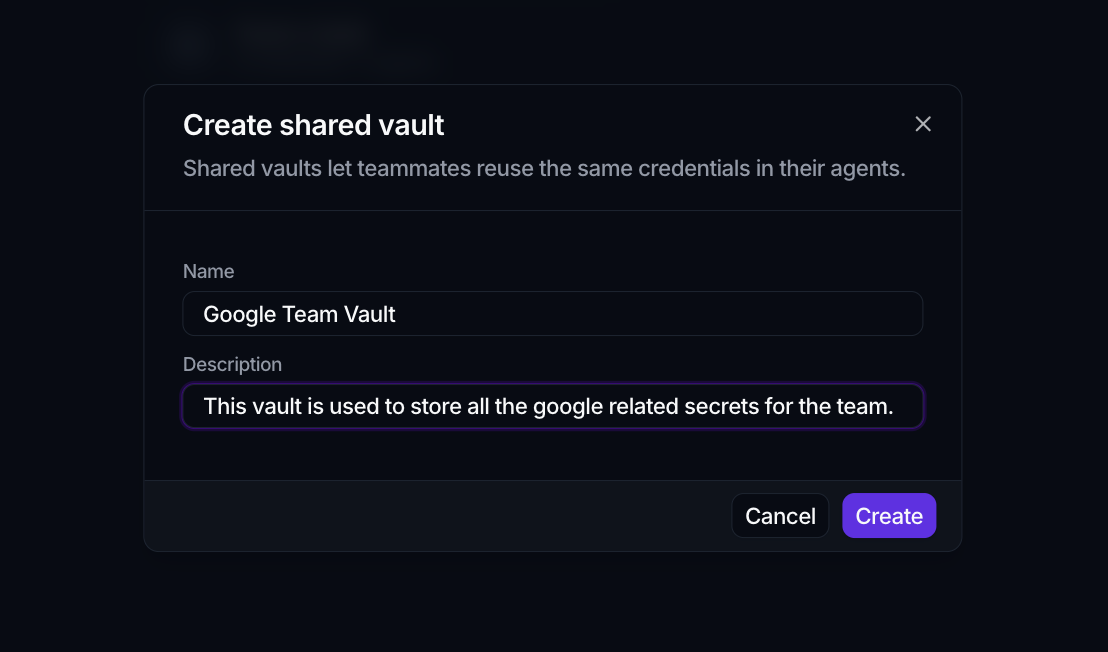
- On the Vaults page, click Create shared vault.
- Give it a Name and an optional Description.
- Click Create. Spark drops you straight into the new vault so you can add credentials.
Add a credential
- Open a vault (from its more menu (⋮), choose Edit).
- In the Credentials section, click Add credential and pick a connector.
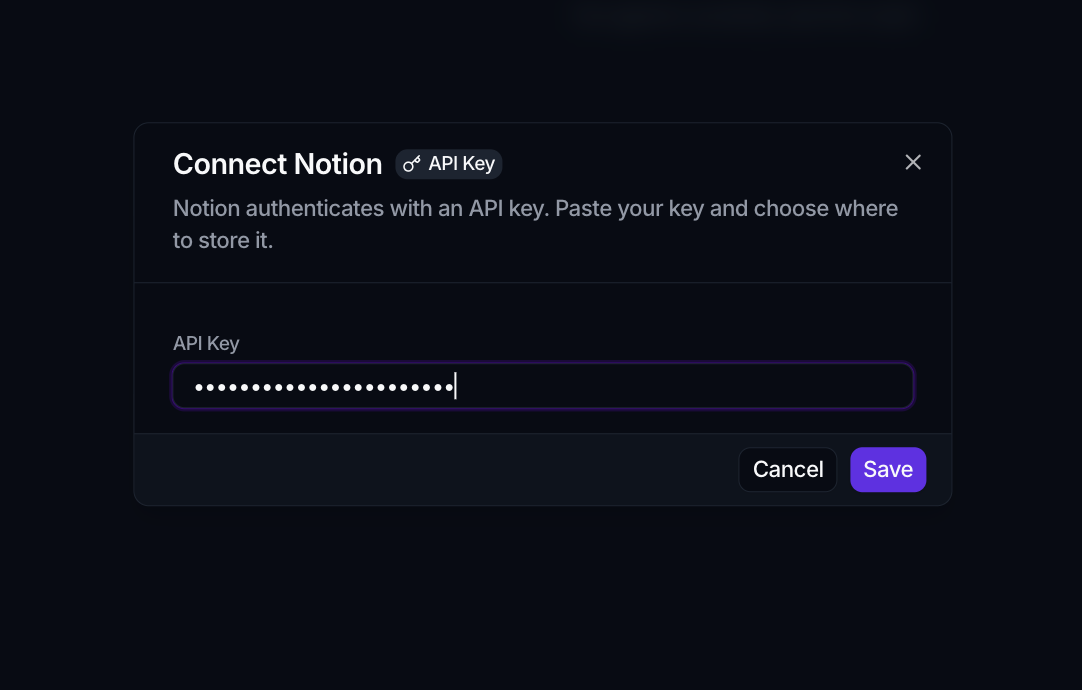
- In the Connect dialog, provide the credential.
What the dialog asks for depends on how the connector authenticates, and a badge on the dialog says which it is:
| Method | What you provide |
|---|---|
| OAuth 2.0 | One click through Spark's managed app, or your own Client ID and Client Secret |
| API Key | The key, pasted |
| Service account | A JSON key, pasted |
Connect an account walks through each one, including which redirect URI to register when you bring your own OAuth app.
Only active connectors that need credentials can be added. Opening the dialog from outside a vault adds a picker so you can choose which vault stores the credential.
Bind a vault to an agent
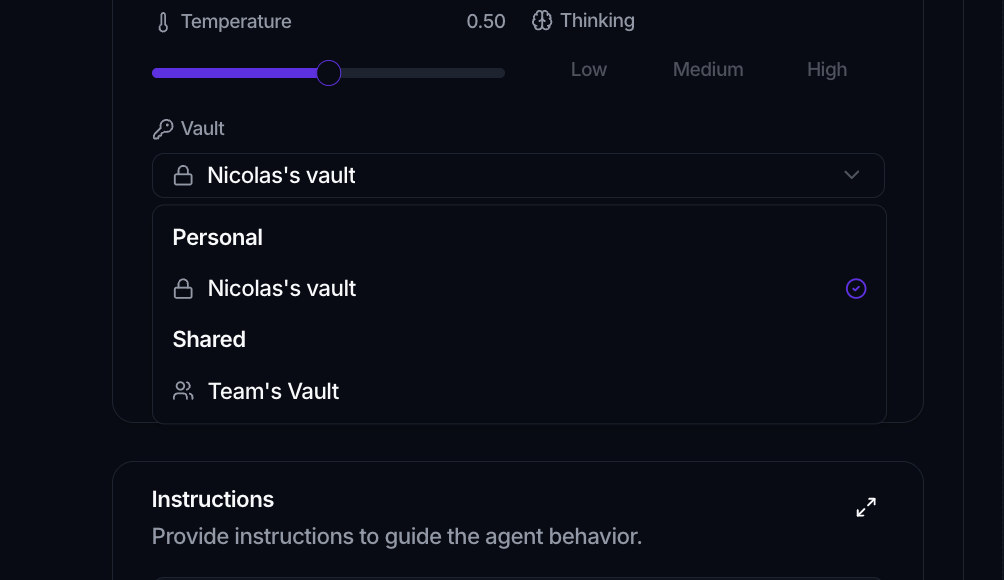
In the agent editor, use the Vault field to choose which vault the agent reads from. If any of the agent's tools come from a connector that needs credentials, a vault is required. The vault's detail page also lists the Agents using this vault, so you can see what depends on it.
OAuth connections stay live on their own
An OAuth connection does not need re-authorizing for each agent, or again when its token expires. Spark holds the connection centrally and issues a fresh token whenever an agent runs, so one connection serves every agent bound to that vault.